 Photo-to-dice mosaic generator
Turn loved ones into dice art
Upload a photo, tune the contrast and detail, then follow our step-by-step guide to build a mosaic from standard dice.
Diceify is a free, browser-based dice art generator that turns a photo into a buildable black-and-white dice pattern with exact dice counts and a step-by-step builder.
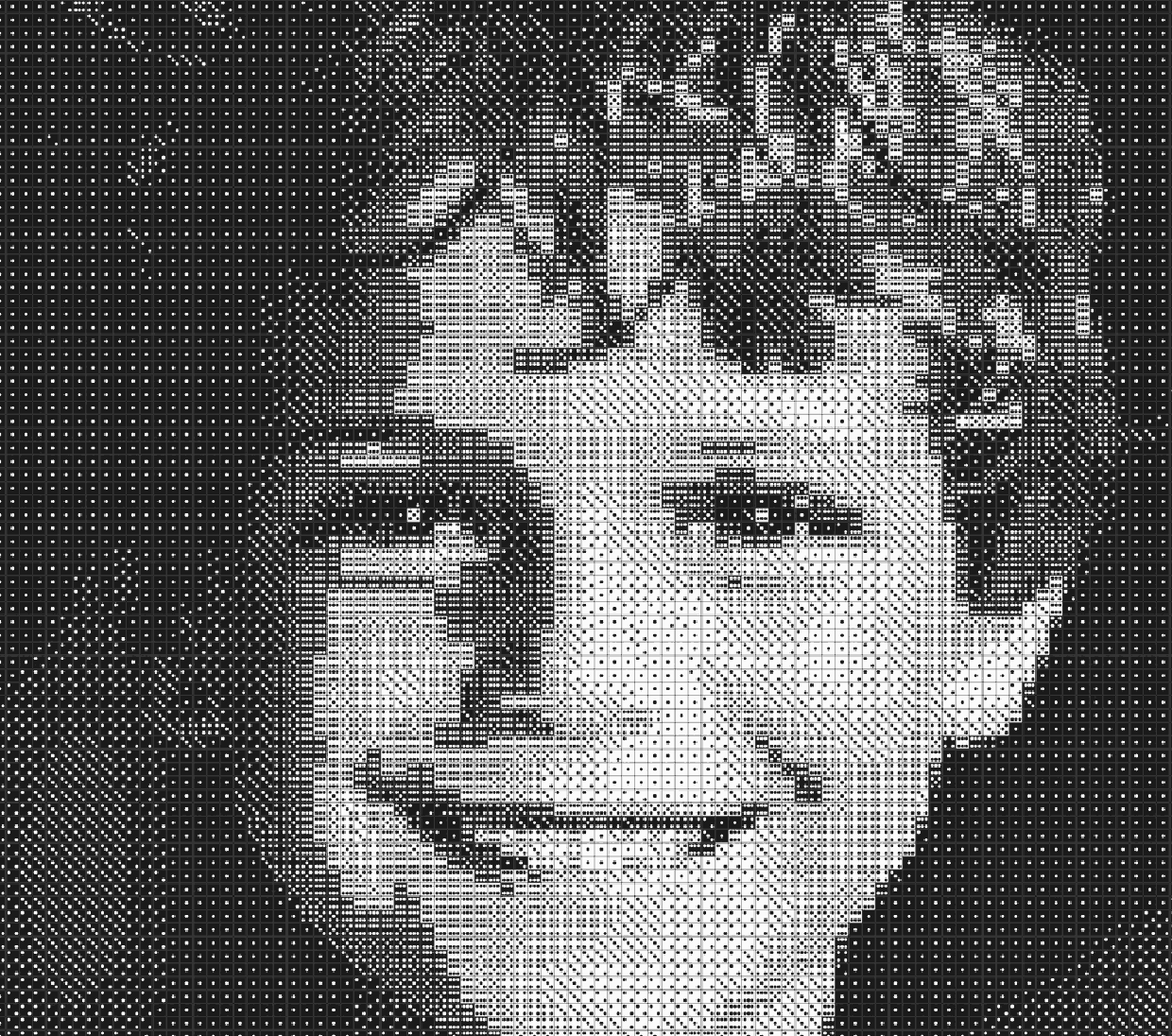

How dice art works:6 faces ×2 colors =12 shades
Made with Diceify
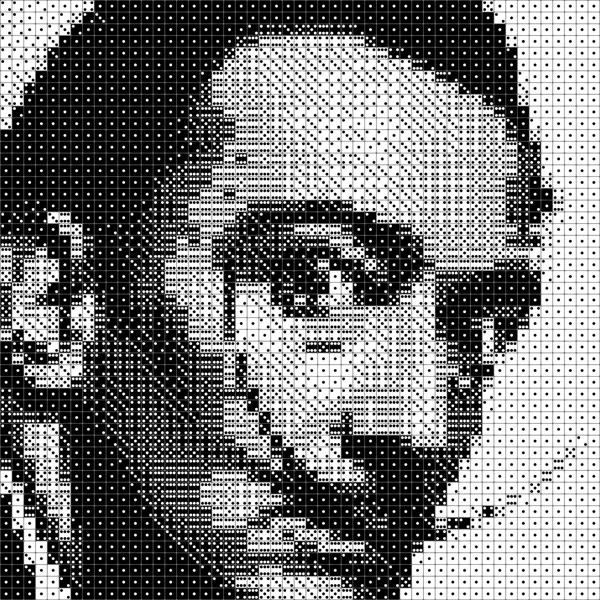
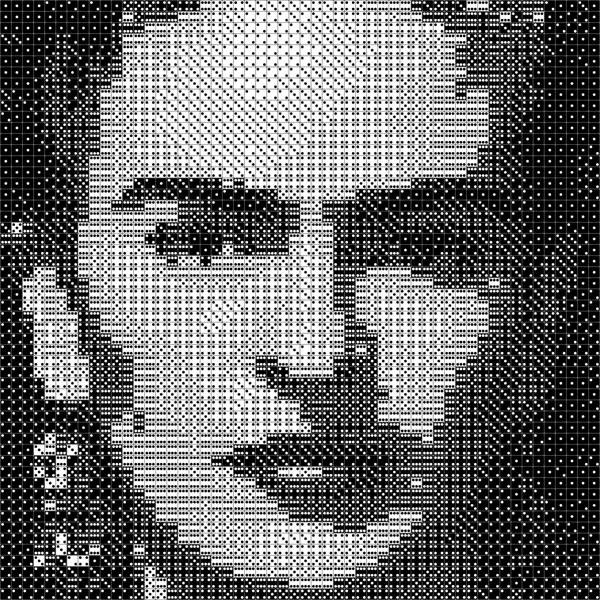
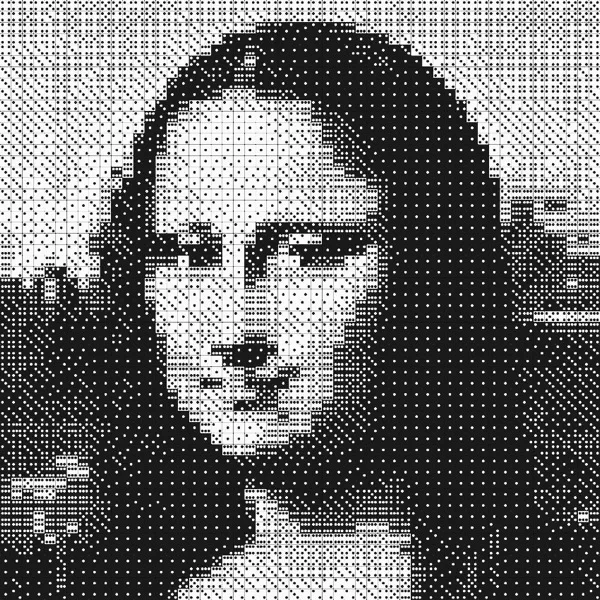
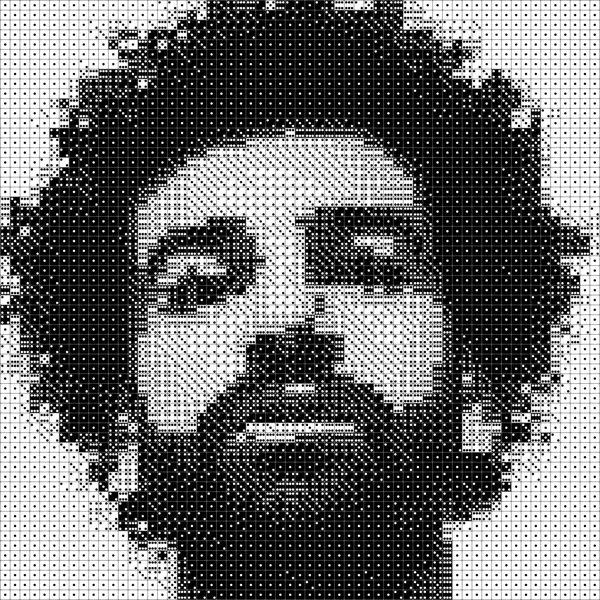
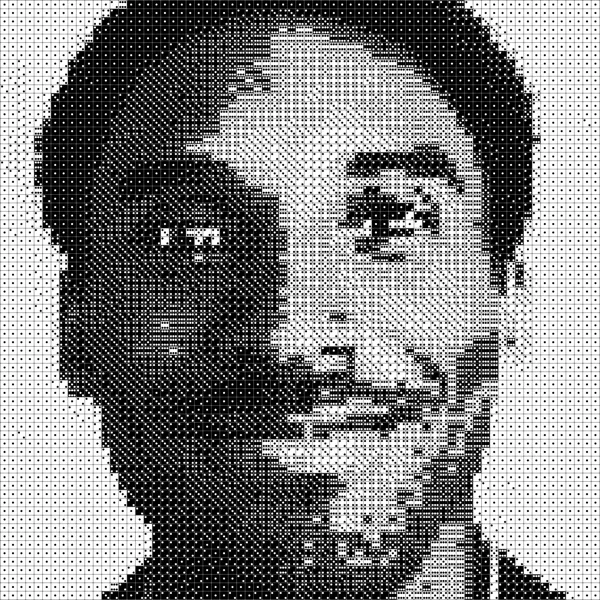
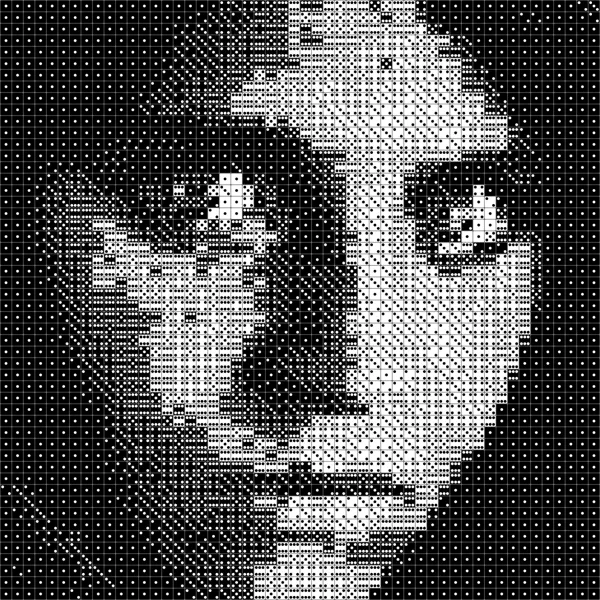
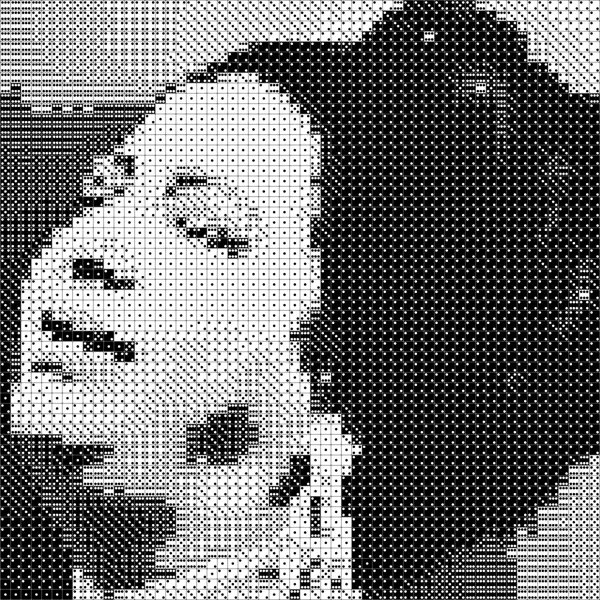
Stories from the community
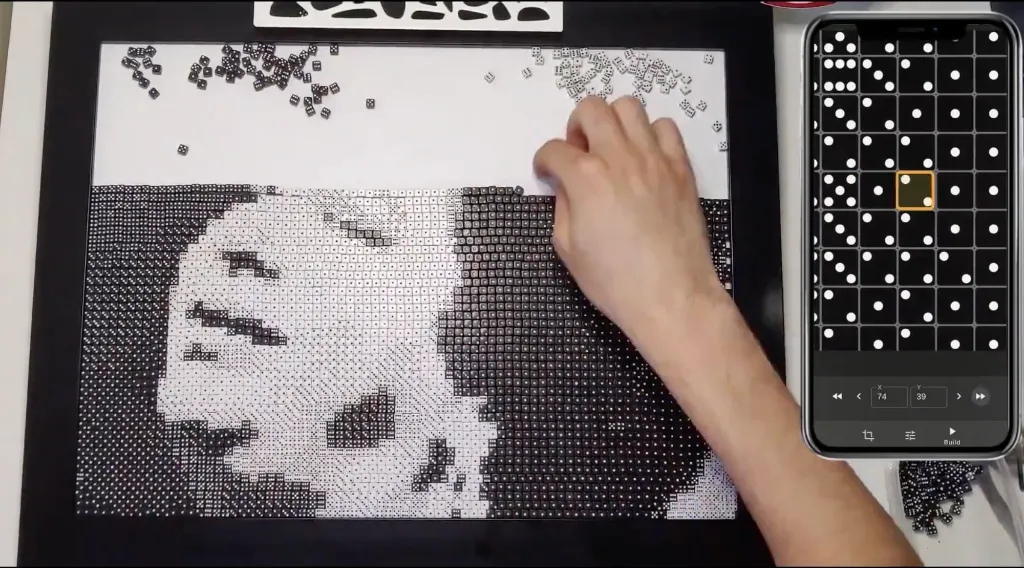
Why I Built Diceify
The story behind Diceify — a COVID project born out of frustration with existing dice art tools, and a tribute to Umm Kulthum.
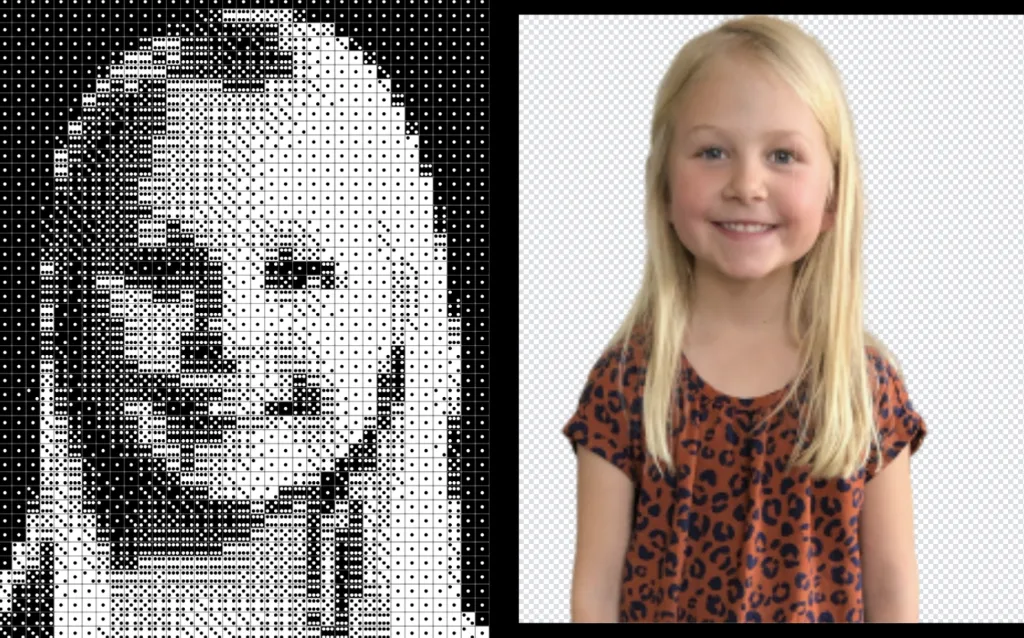
How Jeremy Made Dice Portraits for His Nieces
How Jeremy Klammer used Diceify to make birthday gifts for his nieces — 35×47 dice portraits (1,645 dice each) built from real dice and painted with their favorite colors.
Pricing: free, $19 Creator Pass or Studio from $3/month
Start for free, then pick a plan that fits your ambitions.
Explorer
Perfect for exploring dice art and sharing on social media and testing the builder before committing.
- Generate dice art from any photo
- Share a link with a social card (sign-in required)
- Builder Studio works for the first 5 rows
- Unlimited projects in the cloud
Creator
For creators with a vision and a deadline. 30 days of full access to complete your masterpiece.
- Generate dice art from any photo
- Unlimited dice in Builder Studio
- Full resolution SVG blueprints
- Unlimited projects in the cloud
- Access expires after 30 days
Studio
Billed annually at $36
For artists who want to take their time or create multiple pieces.
- Generate dice art from any photo
- Unlimited dice in Builder Studio
- Full resolution SVG blueprints
- Unlimited projects in the cloud
- Cancel anytime
Frequently asked questions
Yes. The Explorer plan is free and needs no sign-up to try: upload a photo, tune the pattern and preview it. The free builder covers the first 5 rows; the Creator Pass ($19 one-time, 30 days) or Studio ($9/month or $36/year) unlock the full builder and SVG blueprints.
On the free plan you get the full live preview and the exact black and white dice counts in the editor, and after signing in (free) you can share a link that shows your pattern on a social card. The Creator Pass and Studio add the full-resolution SVG blueprint download, which you can print at any size. There is no PDF export and no free image file download today.
Yes. Diceify runs in the browser on phones, tablets and desktops with no app to install, and the editor has a mobile layout. The builder is designed to sit next to your frame while you place dice.
The dice pattern is generated in your browser. If you are not signed in, your draft stays on your device. A photo is uploaded to your private project only when you sign in and save it, so you can reopen it on another device.
30 days of full access for a one-time $19: the builder for every row of your grid, full-resolution SVG blueprints and unlimited saved projects. It does not renew; Studio is the subscription for ongoing work.
Any grid from 20 to 120 rows tall; the width follows your crop. Diceify shows the exact number of black and white dice for the size you pick.
No. Diceify (with an e) is the dice art generator at diceify.art; Dicify is an unrelated TensorFlow.js book project.
For how dice art works, dice counts and build times, see the dice art guide.